 Kuchu Puchu
Free
₹99 once, after 3 free days
Lifetime access, with a month of Plus
- 3 sparks a week
- Unlimited friends and messages
- 15 Puchu messages a day
Send a hello, a hug or a full-screen spark, and your little character pops up on your friend’s Mac or Windows desktop to deliver it. 3 days free, then ₹99 once for lifetime access.
From the first hello to a film night on the Couch, and chatting from your phone.
Pick a friend and a gesture. Your character walks onto their desktop, waves, hugs or brings a coffee, then tucks back into the corner.
Partner mode adds couple-only greetings. It stays private: your partner never sees the setting.
Hi, you!

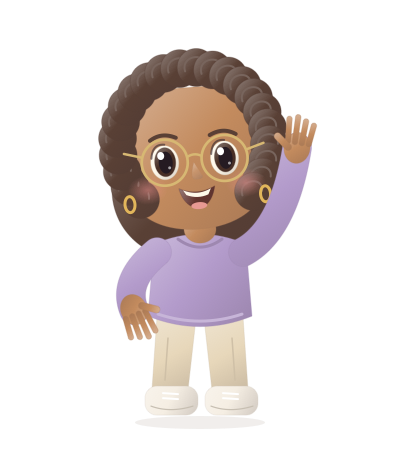
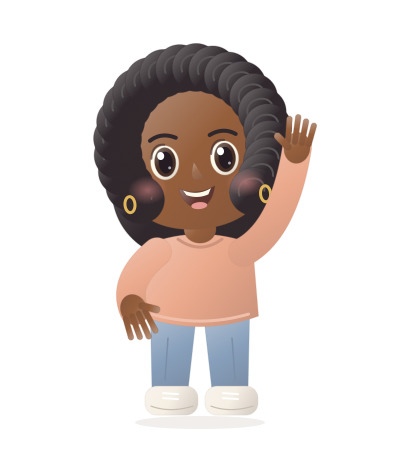
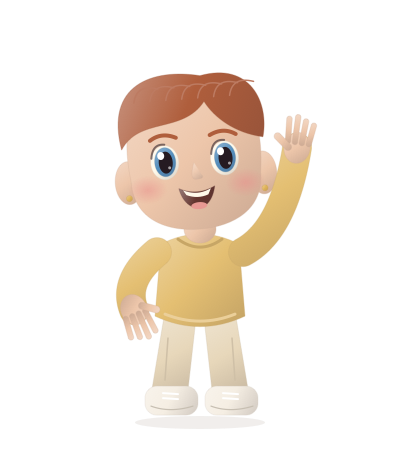
Little people you can dress, and cosy creatures. Change hair, skin tone, glasses and outfits until it looks like you.



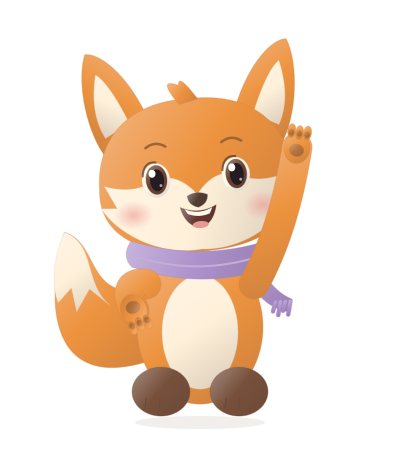
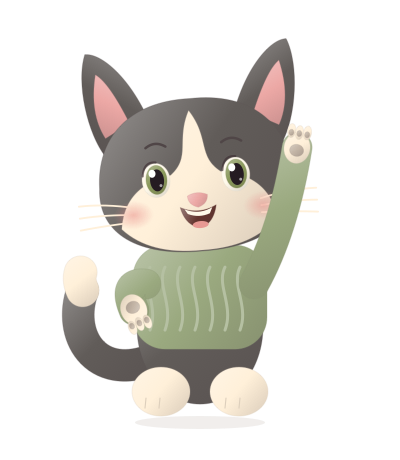


A spark is a short animated scene on your friend’s whole screen, and your note is part of it. Send one now, or plan it for later. Special and Partner versions add more. Receiving one is always free.
You don’t need your laptop open to stay close anymore. Open kuchupuchu.me/chat on any phone or computer and pick up where you left off.
Sign up in the Mac or Windows app first, then use the same account here. Puchu and the Couch stay in the desktop app.
Ask how to say sorry, what to plan for a date or how to cheer up a friend. Puchu answers short, kind and a little silly, and drafts messages only you can send.
Free on every plan.
3 days free, then ₹99 once for lifetime access. Plans add more sparks, Puchu and the Couch.
₹99 once, after 3 free days
Lifetime access, with a month of Plus
₹599 a year
Or ₹79 a month
₹1199 a year
Or ₹149 a month
₹999 a year
One plan for you and your partner
Pick a film on Netflix, Prime Video, JioHotstar or YouTube. Each of you plays your own copy and Kuchu Puchu keeps you in step: one pauses, everyone pauses.
Talk and see each other the whole time. Plus seats 2 people, Pro seats 5.
Yes. Greetings travel over the internet. Both apps need to be running; greetings sent while your friend is offline wait until they reconnect.
Pay ₹99 once for lifetime access. If you don’t, you can still open the app and read what friends send.
No. Receiving is always free, even after the trial. Limits only count what you send.
Only friends you accepted, and current members of a circle. Puchu never reads your chats with friends.
Yes. Switch off your desktop avatar, hide a friend or a circle, or turn on Work mode to mute everything.
Yes. Open kuchupuchu.me/chat on any phone or browser and sign in to send messages, greetings and sparks. Sign up in the desktop app first. The first time, link the browser with a code from the app; after that it stays signed in until you sign out.
In the app, open Plans and choose Cancel renewal. Your plan keeps working until the time you paid for ends.